Update Revit parameters from Excel
Populate and update Revit parameters with data from Excel. See how Adarcus matches rows to elements and applies the information to the model.
When this case is useful
When you need to populate or update model information, you can start from an Excel file and ask Adarcus to transfer its data into Revit parameters. You define the elements and fields to update and how to match them to the rows. The room finishes and departments in the video are one example of this workflow.
What to ask Adarcus
Adapt names, scope and criteria to your project. This request summarizes the goal of the example.
Populate the model elements’ parameters with the data in this Excel file. Match each row to its element using the specified identifier and apply the columns to the corresponding parameters. Show the changes in a schedule.
How the process works
Match rows to elements
Define the identifier used to find each element and which columns map to its parameters. The video uses room numbers.
Specify the information to update
Attach the Excel file and specify which fields to populate or change. The example uses finishes and departments; you can request other parameters for your task.
Apply the data to the model
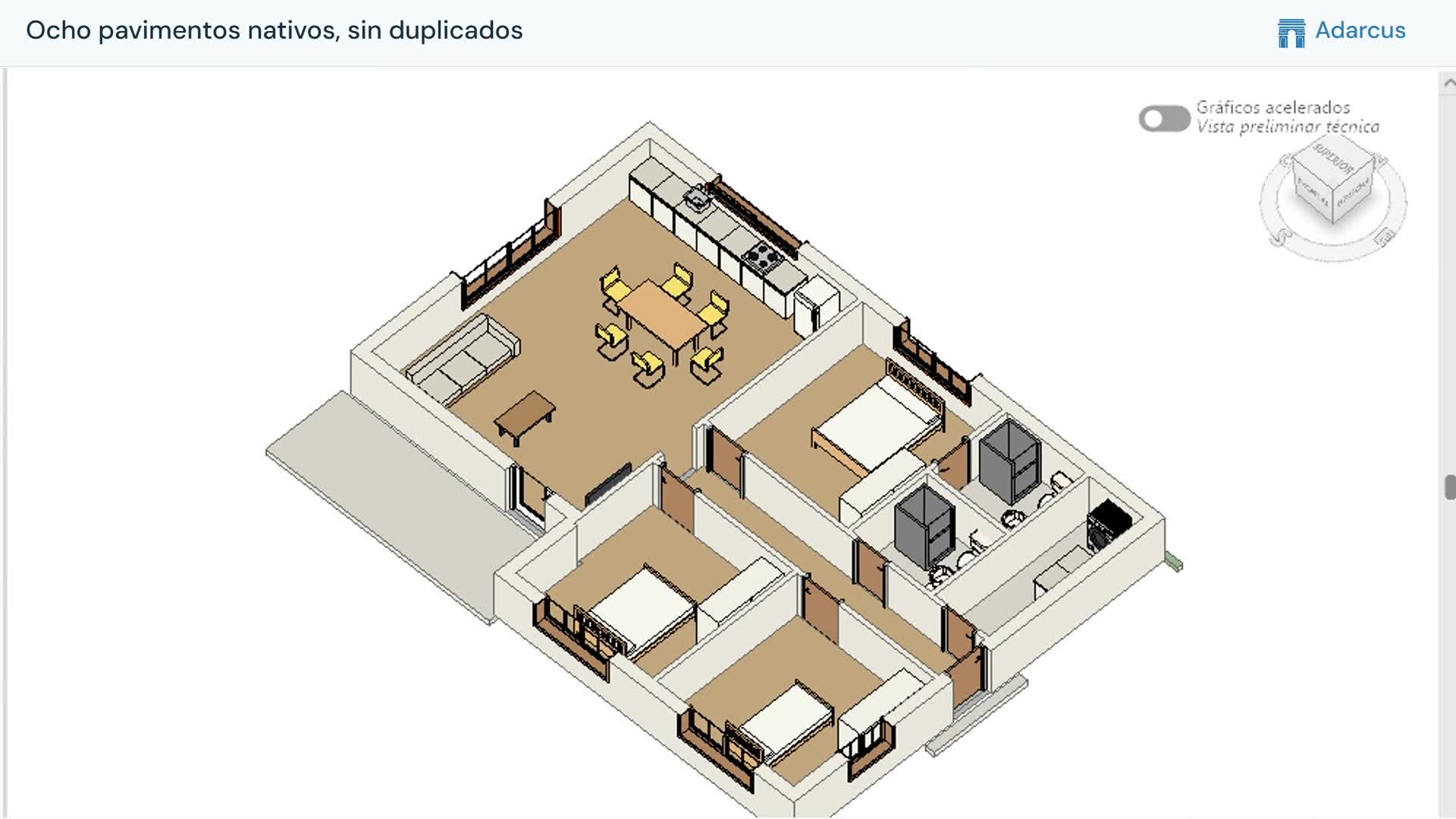
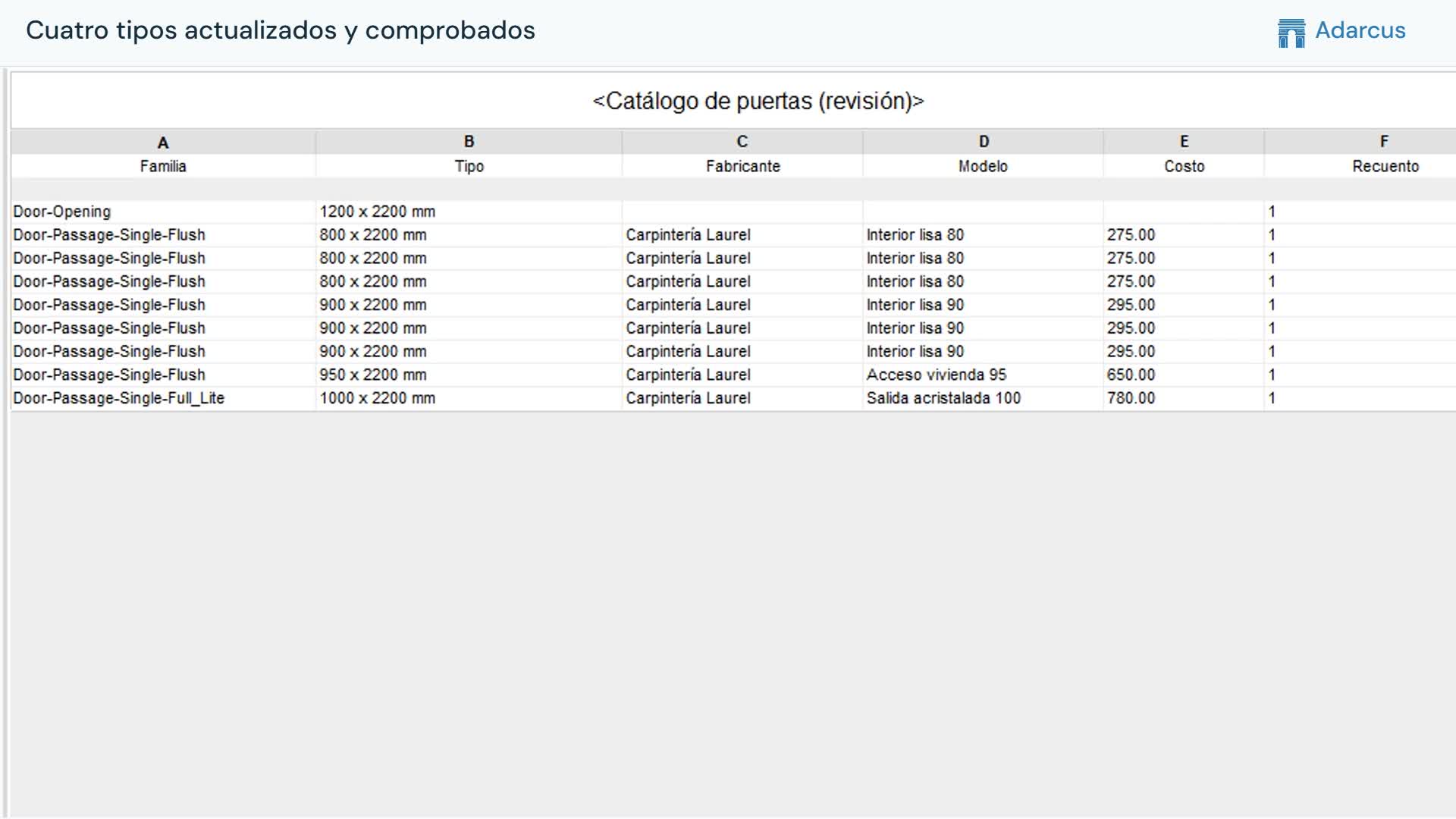
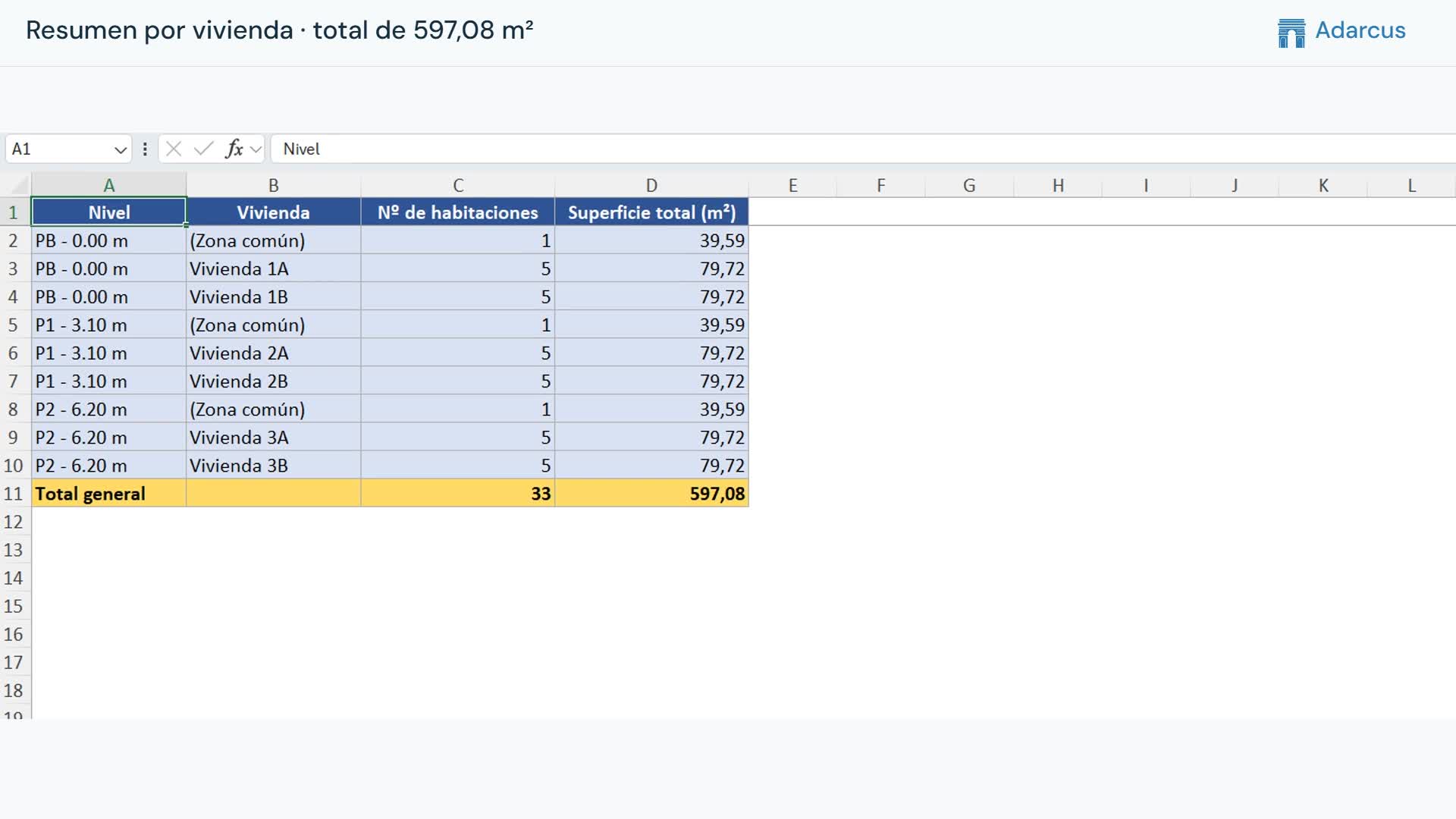
Adarcus transfers the information to the matching elements. The video shows a schedule with the updated values.
Questions about this case
Is this limited to room finishes?
No. Finishes are the example shown in the video. You can request other Revit parameters to be populated from Excel by specifying the elements, fields and whether they are type or instance parameters.
How is each row matched to its Revit element?
Specify a key that identifies each element, such as the one used in your spreadsheet. The example uses room numbers. Duplicate or unmatched rows need to be resolved so the data is applied to the correct element.
Want to see how this fits your project?
Book an Adarcus demo