Skip to content
Adarcus / AI for Revit

Your work in Revit,
with an AI agent.

Work with your model and your files.
Save instructions and reuse them on future tasks.

1 / 3
Convert IFC to native Revit elementsView more use cases
Teams working with Adarcus
HCP Architecture
L35
batlleiroig
Estudio Atec
CRa-HUB
ALS Lighting
DOMADstudio
Garrido Studio
TECO Colombia
SMP Arquitectura
Your model and your files

Add files as context.
Create new deliverables.

Your files give Adarcus context.

Your files
+ more formats
Inputhabitaciones.xlsx
Output 
AdarcusYour agent in Revit
Parameters updatedRevit model
An example · Add context

From Excel to Revit parameters.

You could ask
«Use this Excel file to update room departments by element ID. List any rows without a match.»
1 / 7

Illustrative examples.

Skills

Save your way of working.

Turn what you work out with Adarcus into reusable instructions. Add them as context in other projects.

SaveReuseReview
How skills work
In a working conversation
You

Review the model’s delivery codes.

Adarcus

How should I prepare the report?

You

Separate empty and duplicate codes. Export their IDs to Excel.

Adarcus
Review complete
Report · Project A
IssueElement IDs
Empty128, 145
Duplicates214, 219
project-a-review.xlsxExported to Excel
Illustrative example · From a conversation to a reusable procedure.
Use cases

More ways to work in Revit.

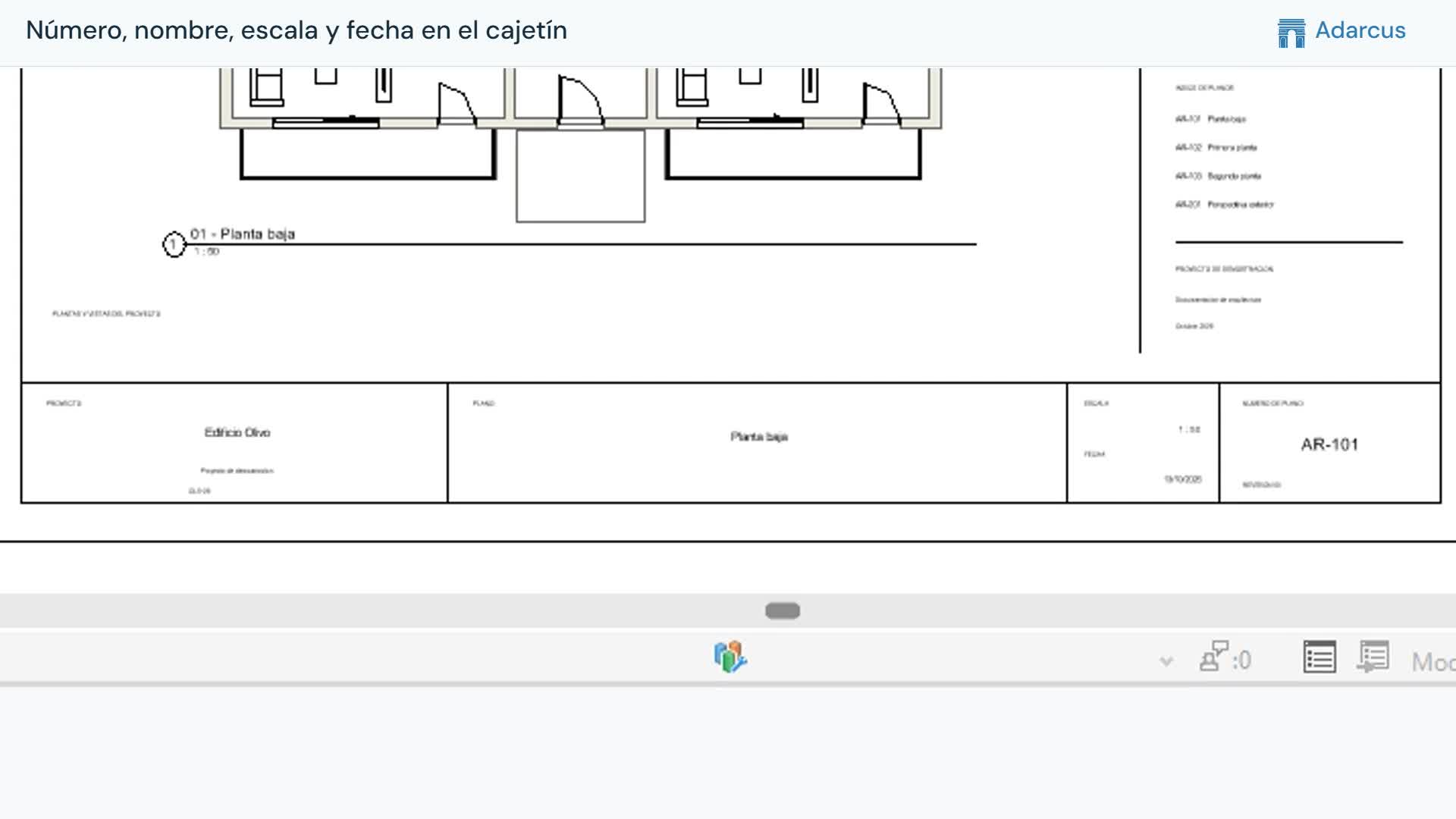
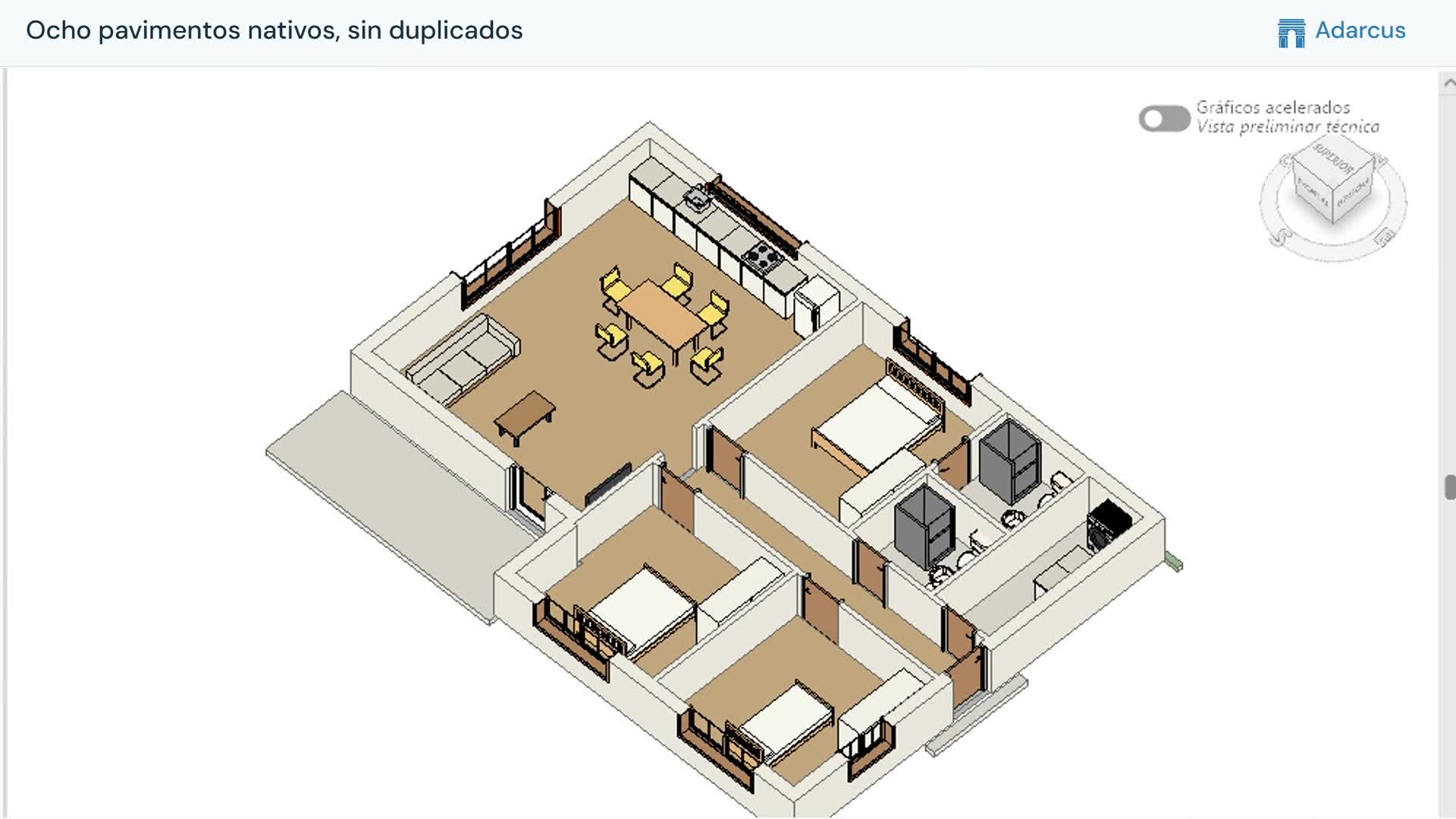
Sheets, floor finishes, families and model review. Explore more tasks you can do with Adarcus.

View more use cases
Plans

A plan for your way of working.

For professionals

Starter

  • Full access to the AI agent
  • Work with files
  • Save your way of working with skills
  • Online support
  • Frequent updates
Book a demo
For teams

Pro

  • Everything in Starter
  • Priority support
  • Custom onboarding
  • Custom use cases
Book a demo
For organizations

Enterprise

  • Everything in Pro
  • Custom integrations
  • Privacy requirements review
  • Custom development
Book a demo

Let’s discuss your users, tasks and onboarding to define the proposal.

Frequently asked questions

Before you begin.

What will I see in the demo?

You will see Adarcus working in Revit live and can ask questions. You do not need to prepare a model or install Adarcus. If you have a task in mind, tell us and we will try to explore it during the session.

What do I need to use Adarcus?

You only need Revit.

Do I need to know how to code?

You can describe the task in a conversation. Your Revit knowledge helps define its scope and check the result.

Does it only answer questions, or can it make changes?

Adarcus can query information and perform tasks on the model, such as modifying parameters or creating schedules. Review each result before using it in a deliverable.

Is my project information kept confidential?

Adarcus queries only the model information needed for the task, without requiring a complete copy of the model. Information is encrypted in transit, and our agreements with AI providers prohibit them from using your data to train their models.
Privacy policy
All questions

See Adarcus in action.

Tell us which task you would like to explore in the demo.

Book a demo