Rename and renumber Revit sheets
Standardize Revit sheet names and numbers with Adarcus. Apply prefixes in a batch and review the result in a native sheet list.
When this case is useful
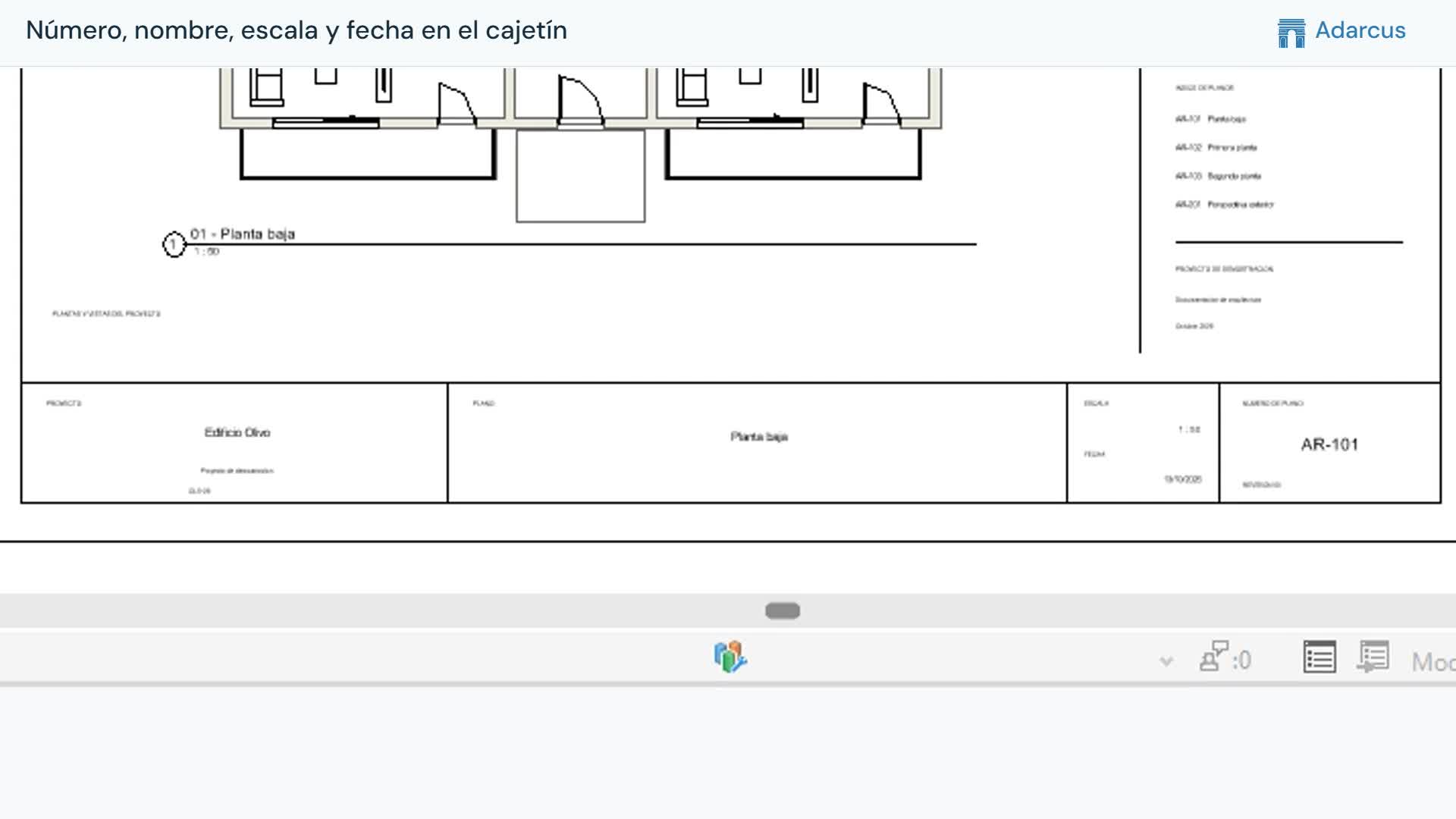
When a project naming convention changes or you need to prepare a deliverable, you can update sheet numbers and names using a shared rule. Specify which sheets are included and which parts of the text to keep. The example applies prefixes without modifying the placed views.
What to ask Adarcus
Adapt names, scope and criteria to your project. This request summarizes the goal of the example.
Standardize the model sheets: apply the agreed project prefixes to their numbers and names, keeping the current text. Do not alter views, scales or positions. Create and open a sheet list with number and name for review.
How the process works
Write the complete rule
Distinguish replacing a prefix from adding one. Specify the prefixes for numbers and names separately, and define which sheets are in scope.
Preserve sheet contents
Limit the request to number and name to retain views, scales and positions.
Review the resulting list
Open a sheet list and compare the numbers and names with the rule you defined.
Questions about this case
Are placed views preserved?
The request limits changes to number and name. Explicitly request preservation of views, scales and positions, then check the result.
Can I run the same rule again?
Review current names first. An additive prefix rule can repeat the prefix; request exclusion of sheets that already follow the convention.
Want to see how this fits your project?
Book an Adarcus demo