Create a furniture schedule in Revit.
Ask for the information you need and check the schedule in Revit.
When this case is useful
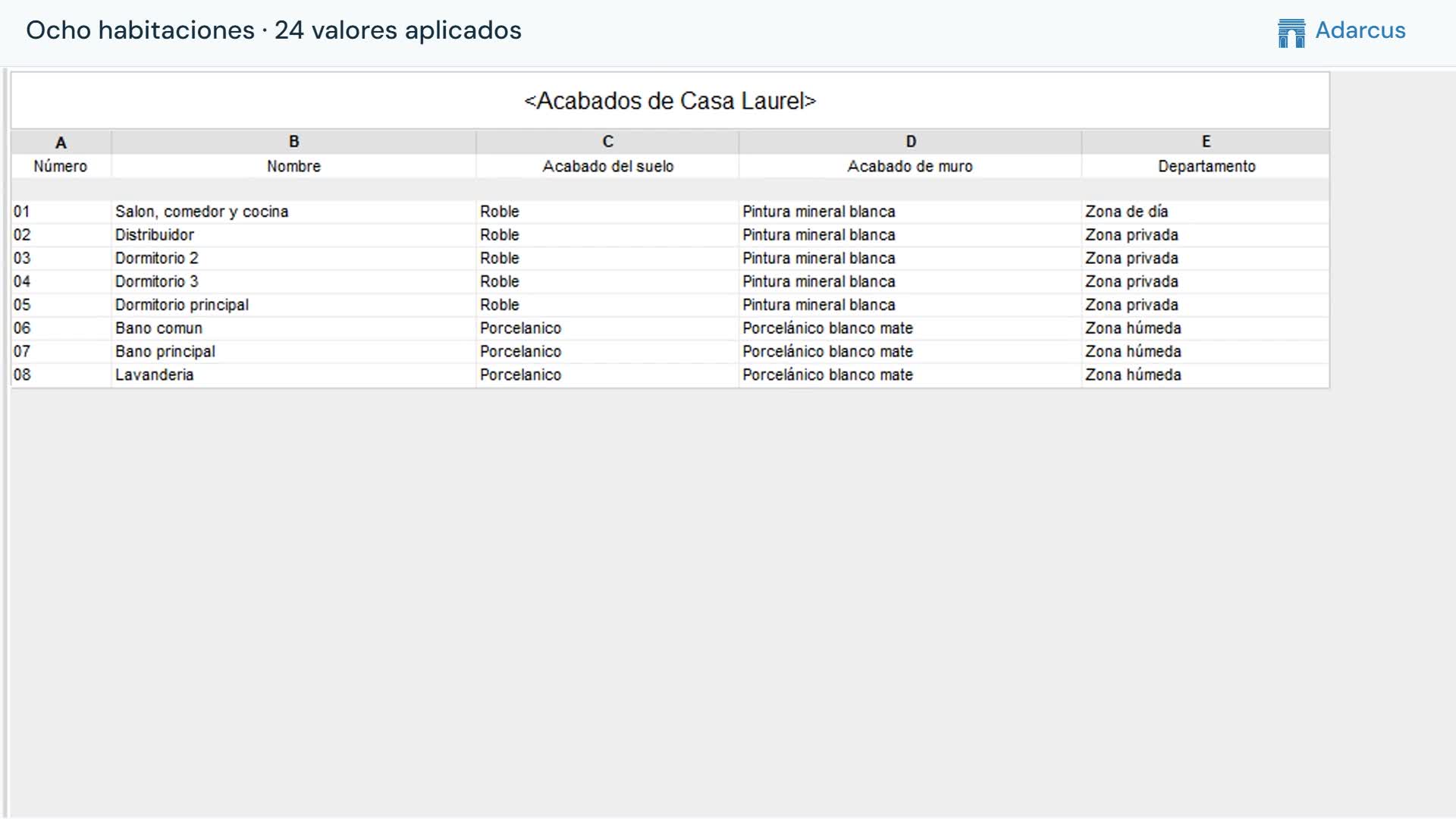
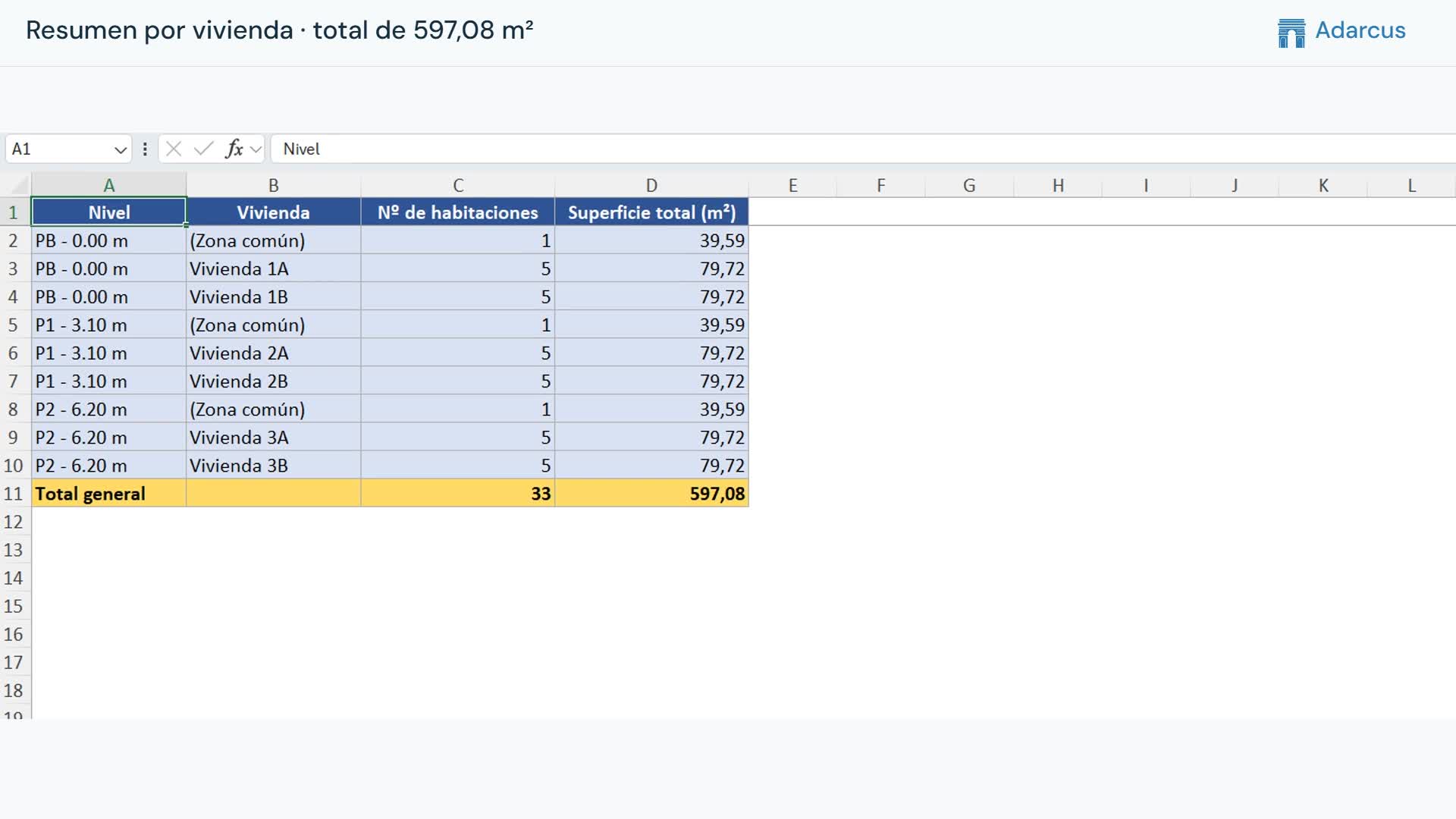
When you need to inspect, organize or count model elements, you can request a schedule with the categories and fields you need. The video uses furniture as an example; the category and information depend on your project needs.
What to ask Adarcus
Adapt names, scope and criteria to your project. This request summarizes the goal of the example.
Create a furniture schedule with the fields I need to review.
How the process works
Define the information
Specify the category and fields to include in the schedule. The example uses furniture.
Request the schedule
Describe the schedule in the Adarcus chat and add any grouping or sorting criteria you need.
Open the schedule in Revit
Adarcus creates a native schedule that you can open and continue adjusting within the project.
Want to see how this fits your project?
Book an Adarcus demo