Change column types in Revit
Work with a selection of columns in Revit: ask Adarcus to change their type and review the modified elements.
When this case is useful
If you want to change the type of several columns at once, you can limit the task to a selection. The example applies a target type to the selected columns so you can review the change in the model.
What to ask Adarcus
Adapt names, scope and criteria to your project. This request summarizes the goal of the example.
Change the selected columns to the agreed type, already loaded in the project. Leave the other columns unchanged.
How the process works
Define the selection
Select the columns you want to modify to define the scope of the change.
Specify the target type
Request the type you want to assign. The example uses a type already loaded in the project.
Apply the change
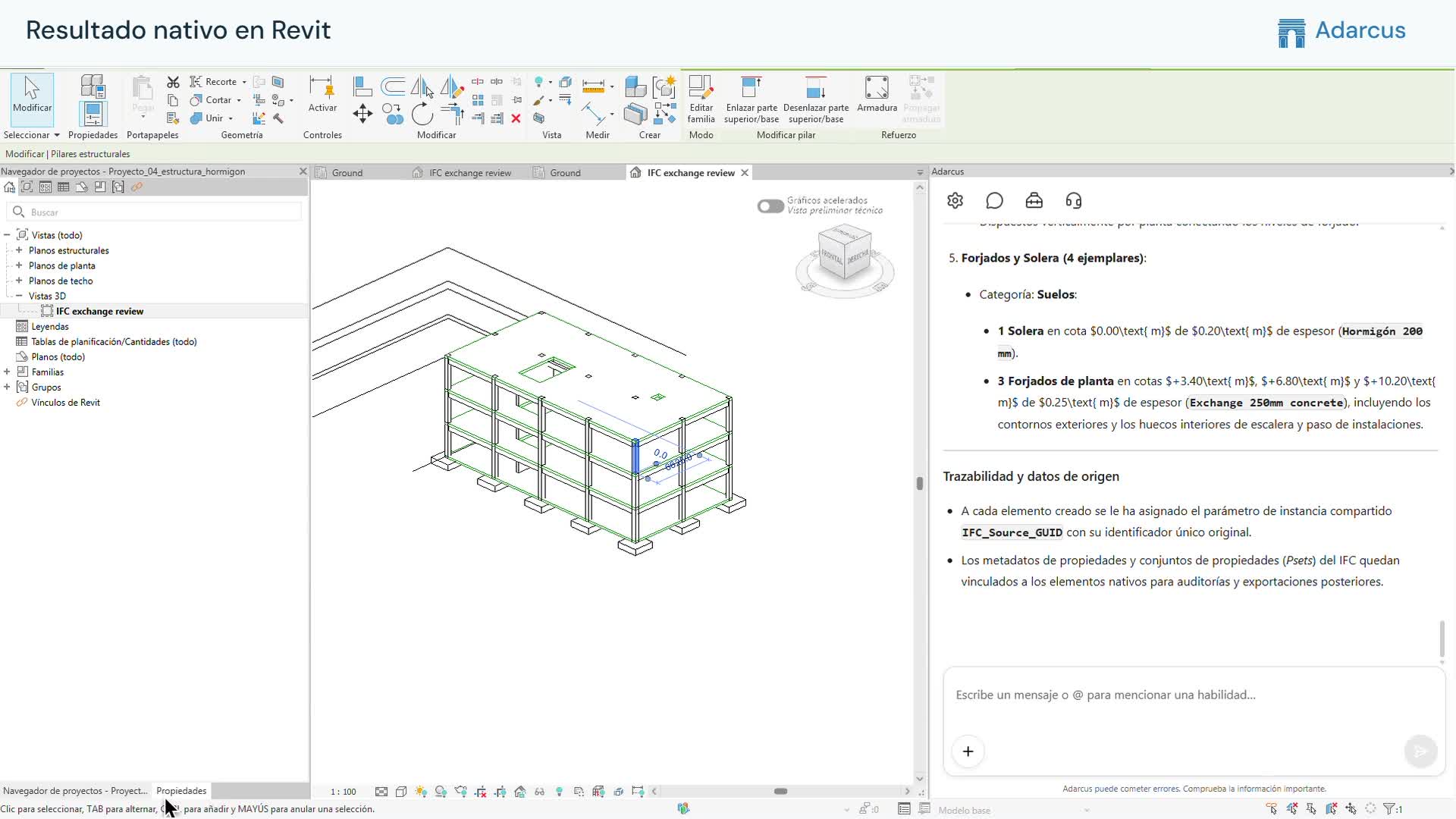
Adarcus changes the type of the selected columns, and you can see the result in the model and its properties.
Want to see how this fits your project?
Book an Adarcus demo