Convert a structural IFC to native Revit
Turn a structural IFC into native Revit elements with Adarcus. Watch a concrete structure example and learn what to check in columns and floors.
When this case is useful
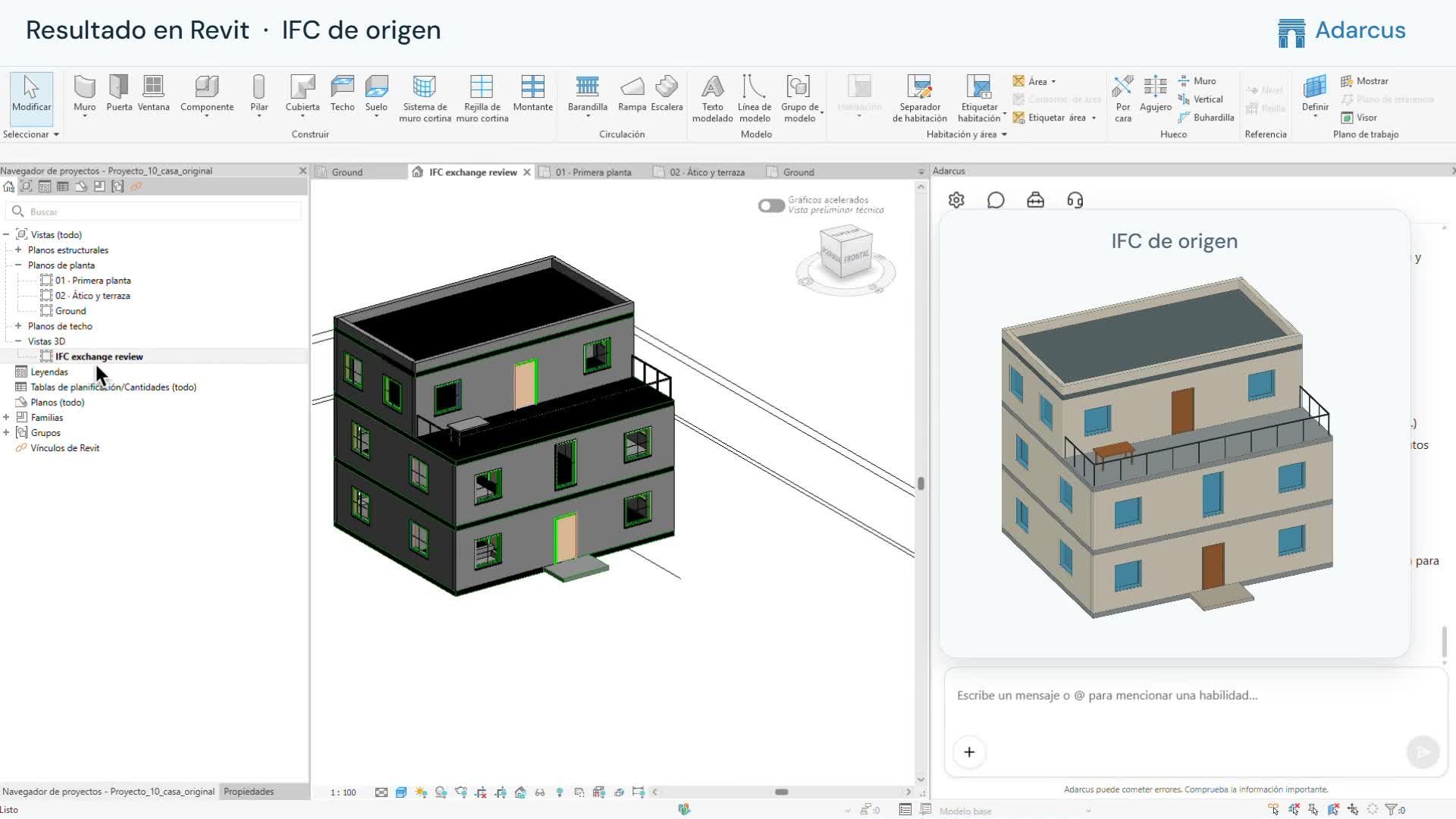
When you need to work in Revit on a structure received as an IFC, you can use that file to recreate its elements in the model. This lets you continue working with native columns, beams or floors; the video shows a concrete structure example.
What to ask Adarcus
Adapt names, scope and criteria to your project. This request summarizes the goal of the example.
Recreate this structural IFC with native Revit elements and prepare a 3D view to compare the result with the original.
How the process works
Define the structural scope
Provide the IFC and identify the categories and levels involved.
Reconstruct the model
Request native elements and an explanation of how they correspond to the source file.
Review the connections
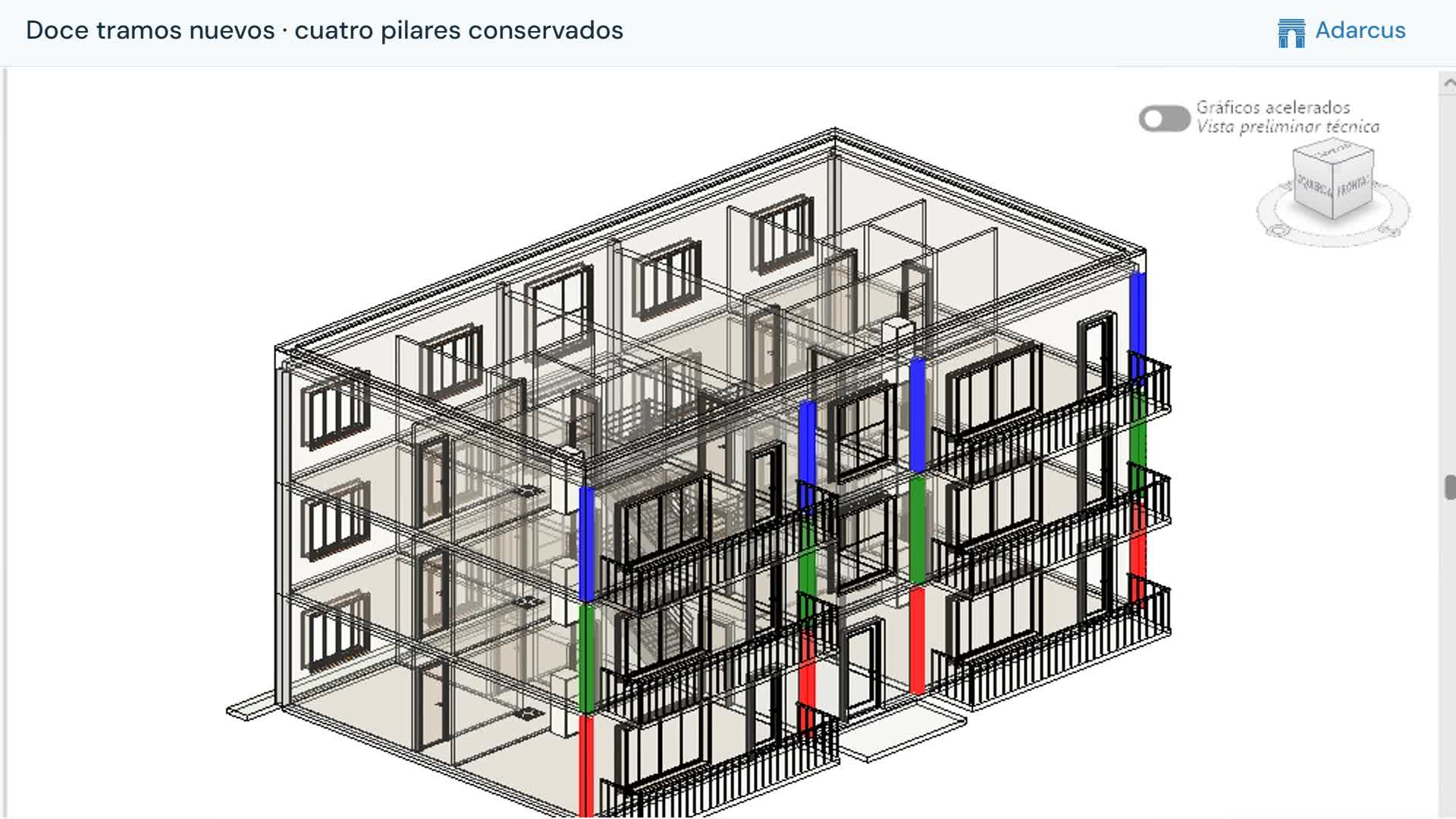
Check columns, beams and floors in place, then inspect element properties to confirm their configuration.
Questions about this case
Is this a structurally analyzed model?
The case shows native Revit elements. Analysis, loads and structural checks require a separate follow-up workflow.
How do I check correspondence with the IFC?
Compare levels, sections and positions, then inspect the available source references in the reconstructed elements.
Want to see how this fits your project?
Book an Adarcus demo